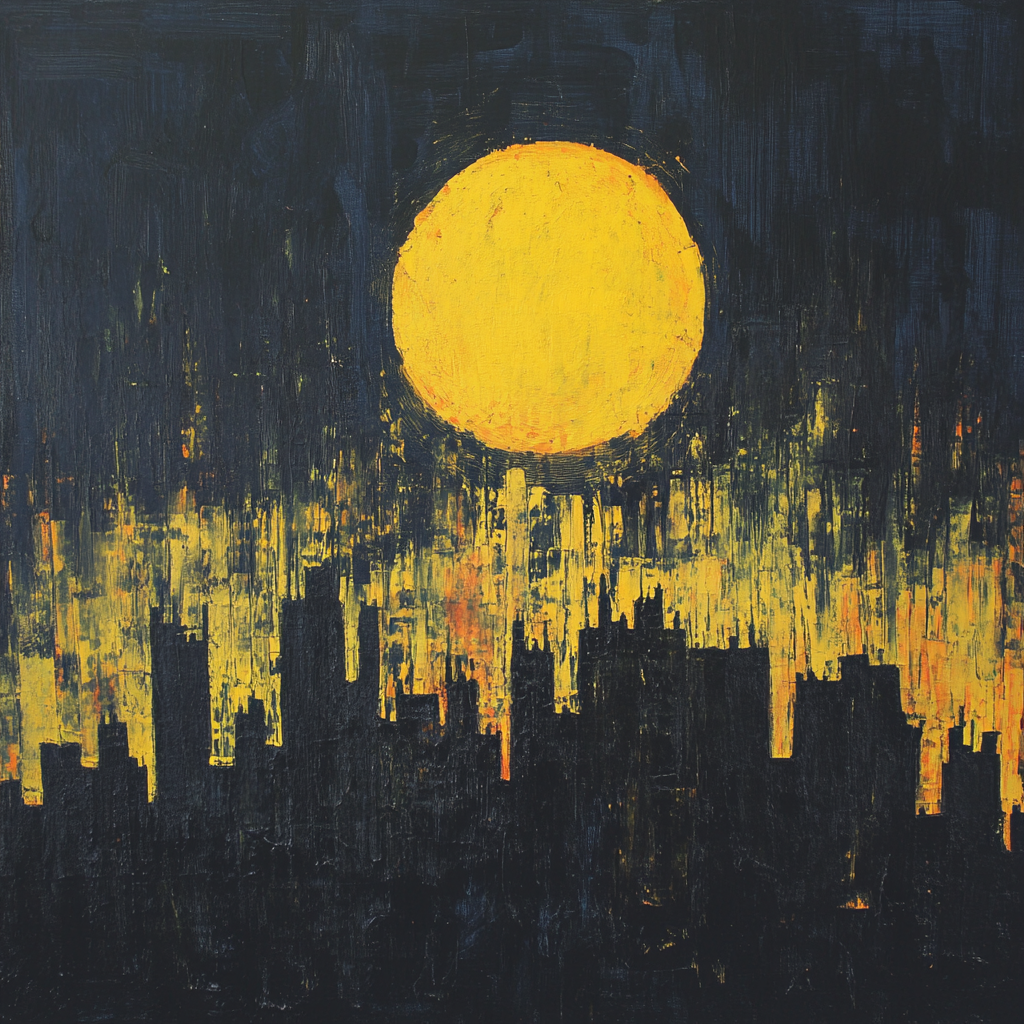
Midjourney has taken a step toward motion: from an image we generate a 5-second video that can be extended, with movement controlled by a short prompt. It's the perfect tool for Reels and micro-cinema.
How It Works — Quick Start
- Generate an image in MJ → click Animate in the web app.
- Choose Automatic (quick) or Manual and describe the motion: e.g.
subtle push-in, slow camera drift. - Default is 5 s. You can extend the video in 4-second increments (up to around 21 s), and choose a low or high level of motion (camera/subject focus).
Tip: Short, precise motion commands work better than long essays. Keep the language concise — set style with parameters and references.
Best Practices for Quality and Consistency
- Camera movement in one sentence: slow orbit / gentle pan / push-in / pull-back.
- Style control: use
--sref(Style Reference) for the "look" and--cref(Character Reference) for consistent characters. - Rhythm planning: if you're extending a clip, plan the "climactic moment" at around 60–80% of the total length.
- Retention: compose for the hook in the first 1–2 s (contrast, depth motion, a clear focal point).
Motion Prompts — 3 Ready-Made Examples
// subtle atmosphere
subtle push-in, slow ambient drift, micro parallax

// more cinematic
slow orbit around subject, shallow depth of field, gentle tilt up

// dynamic
camera whip pan then stabilizes, quick push-in, subject motion
Two Examples (Reels)
Reel #1
Reel #2
SEO: Making Your Video Live Beyond Social Media
- Embed Reels on your site (time on page + engagement signals).
- Add
VideoObjectschema (title, description, thumbnail, date, embed URL). - H1 title + description with keyword phrases (e.g. "midjourney video", "ai video prompts", "reels").
- Thumbnail: your own "hero" JPG/PNG in OG/Twitter for click-through rates in Google.
- FAQ (FAQPage) with real questions — a bonus for rich results visibility.
Want more videos like these? See my images and auctions → OPOM