More people search "midjourney prompt generator" on Google than you'd expect. So instead of another "10 best prompts" listicle, we built a tool: a prompt generator on szkoleniemidjourney.pl. Type a subject, pick a style and parameters, get a ready-to-copy prompt. Free, no sign-up, no usage limit.
Two ways to work: in “From text” mode, you write the description and the form combines it with your settings. In the new “From image” mode, Florence-2 drafts an image description that you can edit and use as a starting point.
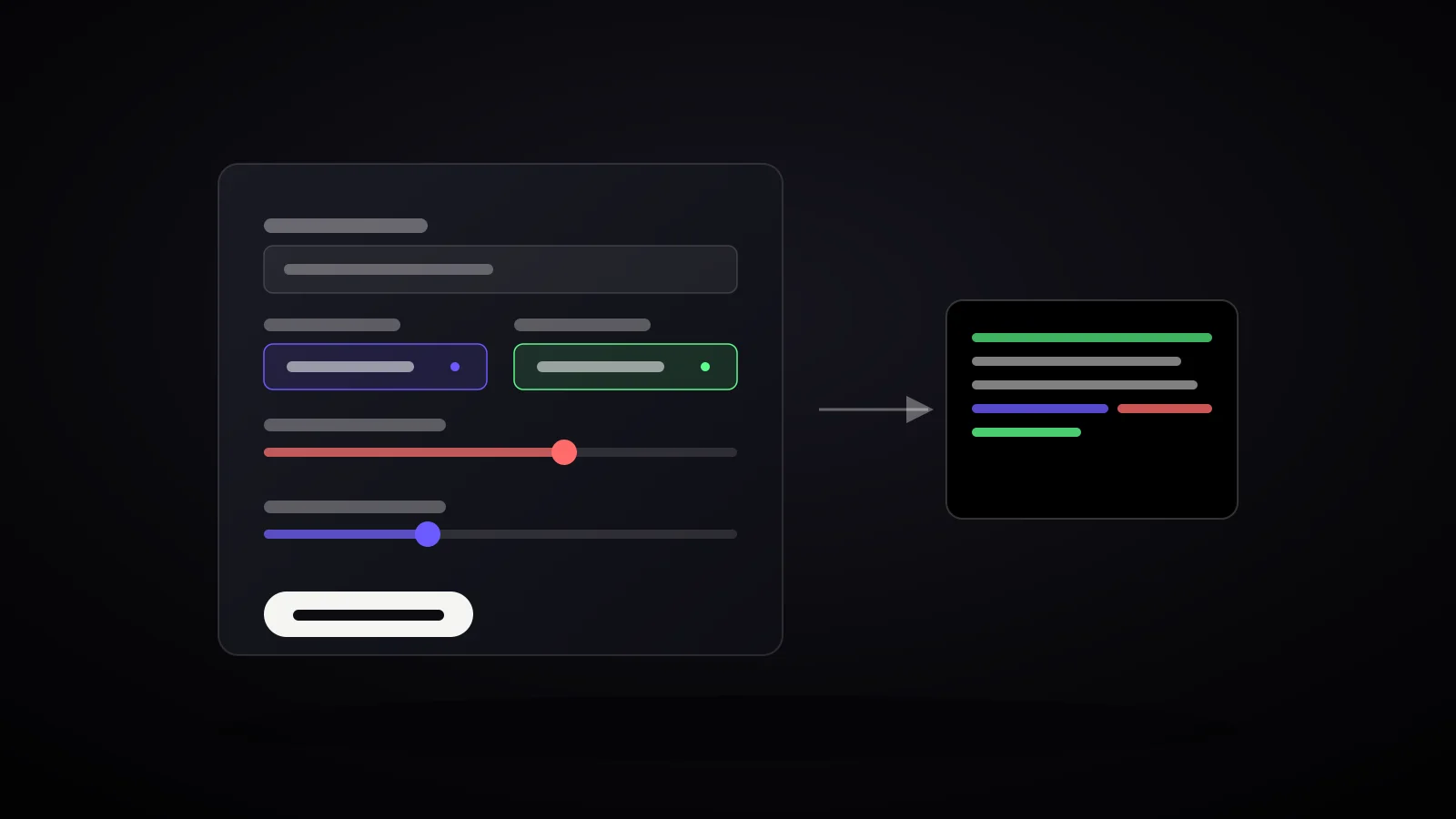
Panel on the left, finished prompt on the right - the generator's mechanism in one picture.
Update: create a prompt from an image
October 3, 2026: the generator now has a second mode — “From image”. Add a picture or photograph and AI creates an English description. Edit it, then combine it with the style, lighting and parameters in the form.
- Open the prompt generator and select “From image”.
- Drop an image, choose a file or paste an image from your clipboard in the upload area. JPG, PNG and WebP files up to 15 MB are supported.
- Choose a short or detailed description and click “Create description”. On first use, wait for the model to download.
- Review and edit the result, then click “Use description in generator”. “Use the image aspect ratio” sets --ar from the file dimensions.
- Adjust the remaining settings and copy the finished prompt into Midjourney.
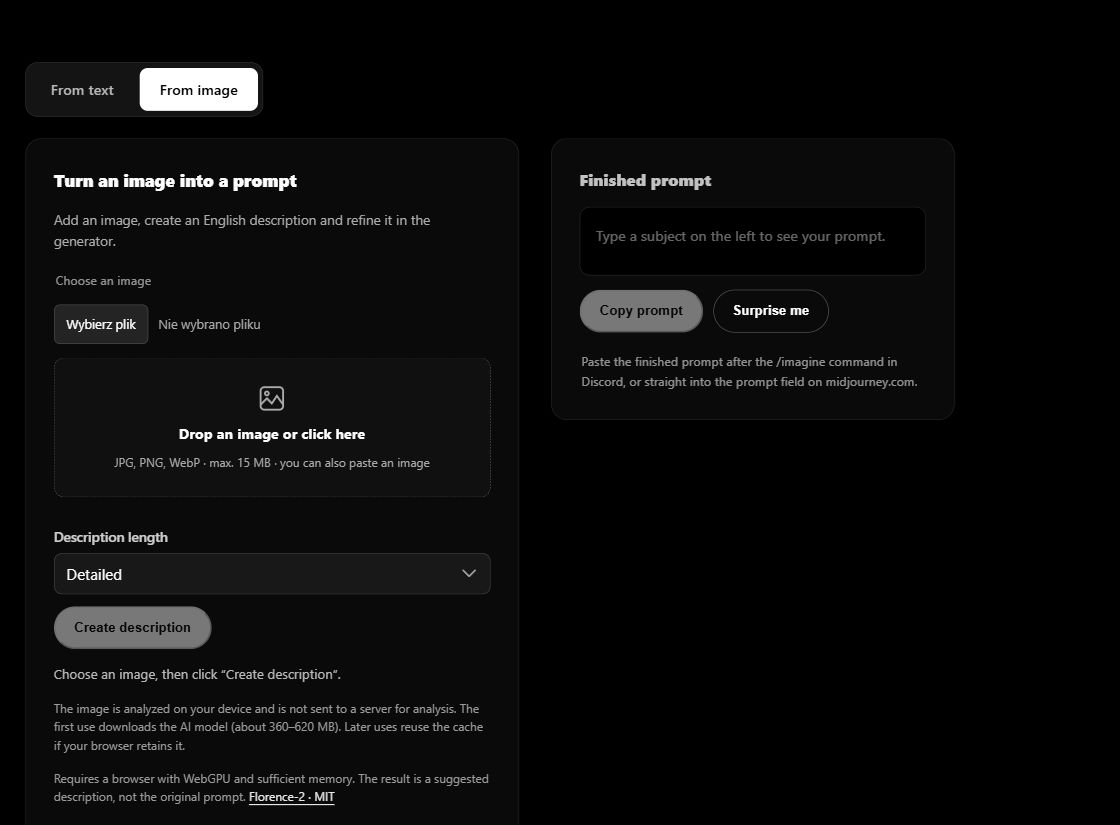
Analysis uses Florence-2, a model released under the MIT license[5]. Your image is processed locally on your device and is not sent to a server for analysis. The library and model are downloaded from the internet — about 360–620 MB on first use. Later runs may reuse your browser cache.
Before your first run: analysis needs WebGPU and sufficient memory; if it does not work, try an up-to-date Chrome or Edge on a computer. The text generator works independently of image analysis. The result is a suggested description, not a recovered original prompt. AI can misread details, so review them before use. You choose --stylize and --chaos yourself.
What this generator is
In “From text” mode, the form includes: subject, extra keywords, style, lighting, composition, and four Midjourney parameters (--ar, --stylize, --chaos, --no). Every change instantly recalculates the finished text in the box next to it - nothing to click "generate," the result is always live. One button copies the prompt to your clipboard, another ("Surprise me") randomizes a sample subject and style if you're not sure where to start.
How it works - a step-by-step example
Subject: an old lighthouse keeper on a cliff during a storm. Style: oil painting. Lighting: dramatic, hard shadows. Aspect ratio: 16:9. Stylize strength: high. The generator assembles this into one line:
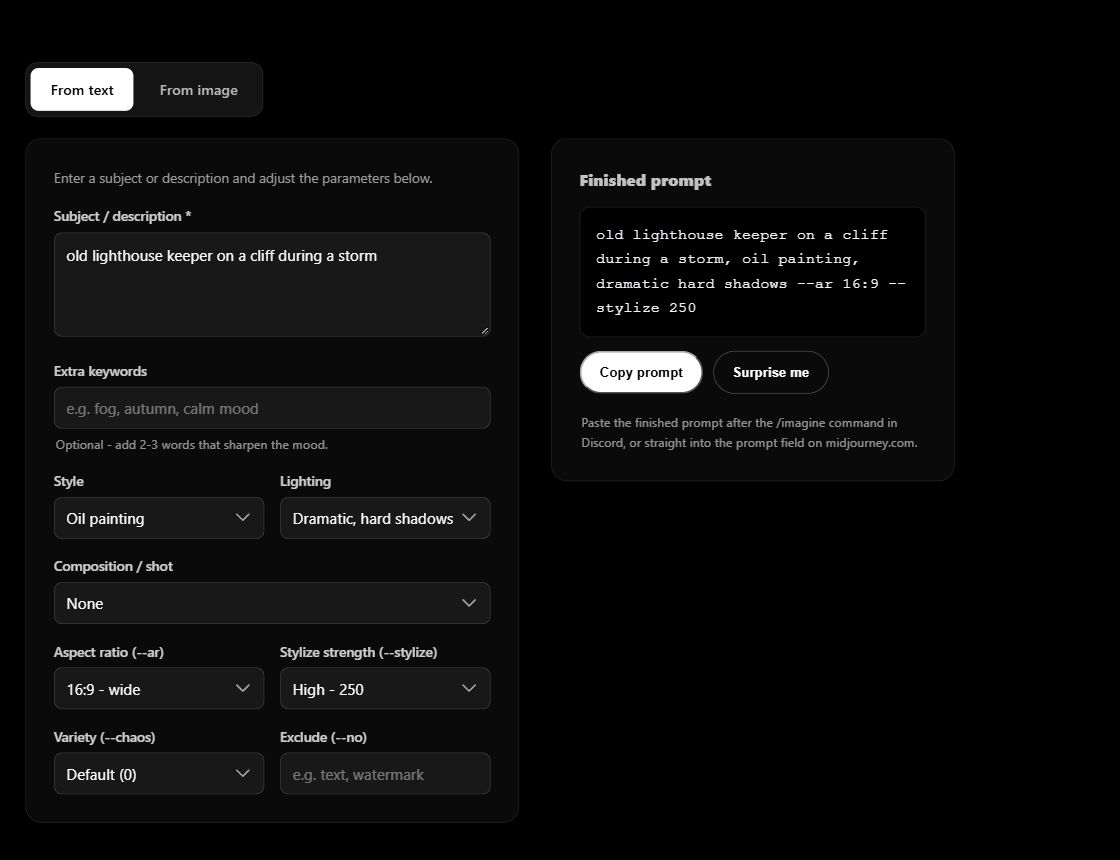
old lighthouse keeper on a cliff during a storm, oil painting, dramatic hard shadows --ar 16:9 --stylize 250
Paste that after the /imagine command in Discord, or straight into the prompt field on midjourney.com - that's it. No JSON, no comma-separated tag soup like "masterpiece, best quality, 8k, ultra detailed" - that's actually one of the reasons this topic keeps coming back here (see the post on minimal prompts).
The parameters that actually matter
While building the generator we checked every number directly against Midjourney's official documentation instead of relying on memory - parameters change between versions, so it's worth having a current source[1]:
- --stylize - range 0-1000, default 100[2]. Lower = closer to a literal description, higher = more artistic freedom for the model.
- --chaos - range 0-100, default 0[3]. Higher values make the four variants differ more from each other.
- --ar - any ratio in width:height format, default 1:1[4]. The form offers 1:1, 4:3, 3:2, 2:3, 16:9 and 9:16. “From image” mode can also use the uploaded image’s aspect ratio.
There's deliberately no field for model version (--v). Midjourney moved from V7 to V8, then V8.1, now V8.2 over the past few months - hard-coding a specific version into the generator would go stale faster than we could keep fixing it. Skip the version parameter and you always get whatever's currently default.
English image descriptions
Florence-2 creates English image descriptions. The form also adds style, lighting and composition labels in English. In “From text” mode, the subject and extra keywords stay in the language you type — the generator does not translate them automatically. For an entirely English prompt, write your own description in English or start with image analysis.
Frequently asked questions
Is the generator free?
Yes. No sign-up, no usage limit, no account needed.
Is this the same as ChatGPT writing prompts for me?
“From text” mode combines your description and chosen settings. “From image” mode uses AI to describe the picture you add. Both produce an editable prompt; the tool does not generate images or act as a conversational chatbot.
Do I need a Midjourney account?
Not to build the prompt itself. An account (Discord or midjourney.com) is only needed once you actually want to generate the image.
Key concepts
Sources
- Midjourney, official parameter list
- Midjourney, Stylize parameter documentation
- Midjourney, Chaos/Variety parameter documentation
- Midjourney, Aspect Ratio parameter documentation
- Hugging Face, Florence-2-base-ft (ONNX / Transformers.js) — model card, MIT license and a browser inference example.