An empty cinema. A red seat. Light from the projector, although there is nothing on the screen.
You can describe that image in a single sentence. You can also add dozens of terms about quality, detail and realism. None of them answers the most interesting question: why would someone stop at this particular frame?
With each new Midjourney version, it is easy to focus on what can be counted: speed, resolution and the number of details retained. V8.1 made the workflow smoother, while V8.2 turned the focus towards aesthetics and Personalization. For a creator, the interesting question is how to use these possibilities to develop a visual language of your own.[1], [2]
Information and sources checked on October 2, 2026. The gallery includes examples made with V8.1 and V8.2, with their original prompts. The other illustrations accompany the discussion of style.
What changed in Midjourney V8.2?
V8.2 launched on July 24, 2026 and is currently Midjourney's default model. The company promised bolder, more distinctive and fresher images, fewer random low-quality results and better adaptation to the user's preferences.[3], [2]
That sounds good. But “more distinctive” is not yet an artistic idea.
One work needs aggressive colour. Another needs subdued light and empty space. A portrait can be interesting because of the texture of the skin, or because the face is barely visible.
So it is worth testing the new version on restrained images, too. Silence, ambiguity and an uncomfortable composition. These can make it easier to see whether the model supports the idea or simply adds more attractive elements.
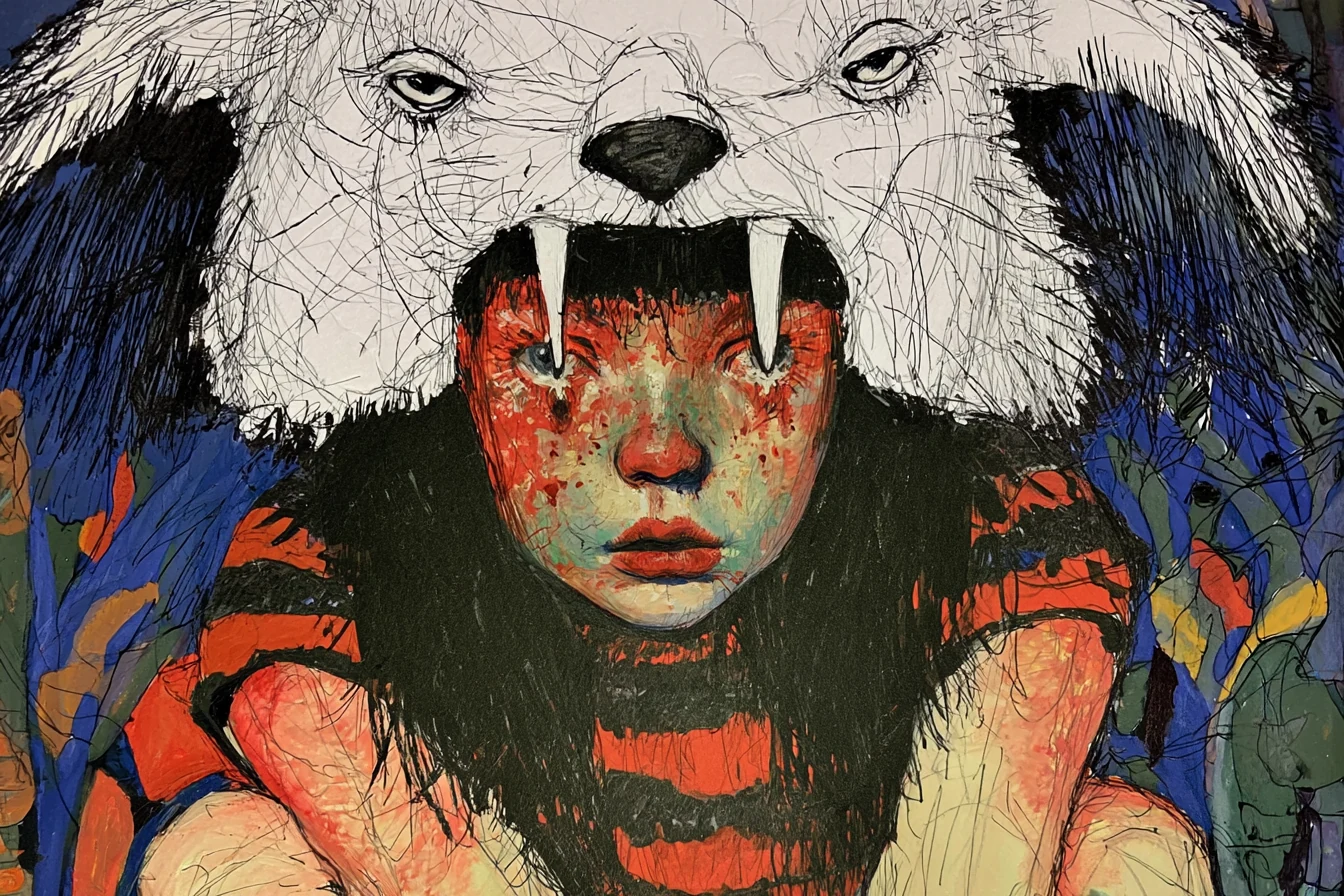
V8.1 reduced the wait. What can you do with that time?
At the V8.1 launch, Midjourney reported faster and cheaper generation compared with early V8.[1]
In creative work, you can use that gain in two ways. Generate more images, or look more closely at a few.
The second option is particularly valuable when building a series. Instead of adding more effects, you can test small shifts: a lower viewpoint, cooler light or more space above a character's head.
Sometimes a small change is what makes an image work. Everything is still in place, but the tension between the elements feels different.
Personalization starts with looking
Personalization learns preferences from the images you select and like. You can create separate profiles for different aesthetics, and the V7 Global Profile remains compatible with V8.2.[4]
That is a good reason to examine your own choices.
Are you selecting images you want to return to, or the ones that make the biggest impression in the first two seconds? Do you like their composition, colour and atmosphere, or just an eye-catching subject?
An aesthetic profile can help, but it deserves deliberate choices. If you select everything that sparkles, it is difficult to expect stark, quiet images afterwards.
It can also make sense to separate preferences for different projects. A dark illustration and an airy magazine photograph do not need to draw on the same set of visual habits.
More stylization does not always help an image
The --stylize parameter controls the freedom of the model's aesthetic interpretation. Lower values encourage a more literal reading of the description; higher values allow a stronger reinterpretation.[5]
Turn that into a simple exercise. One subject, three stylization values and the same remaining settings.
For example:
an empty seaside cinema, one red velvet seat, salt-stained walls, pale winter light, restrained color palette --ar 3:2 --v 8.2 --stylize 100
This is a starting point for your own experiments. Compare it with --stylize 300 and --stylize 700, keeping the same Personalization profile or turning Personalization off for every run.
Look at the relationships between elements. Is the red seat still the focal point? Does the light create the atmosphere? Do the new details develop the idea, or start obscuring it?
The most ornate result may be the easiest to like. The one that best serves the idea can be much quieter.
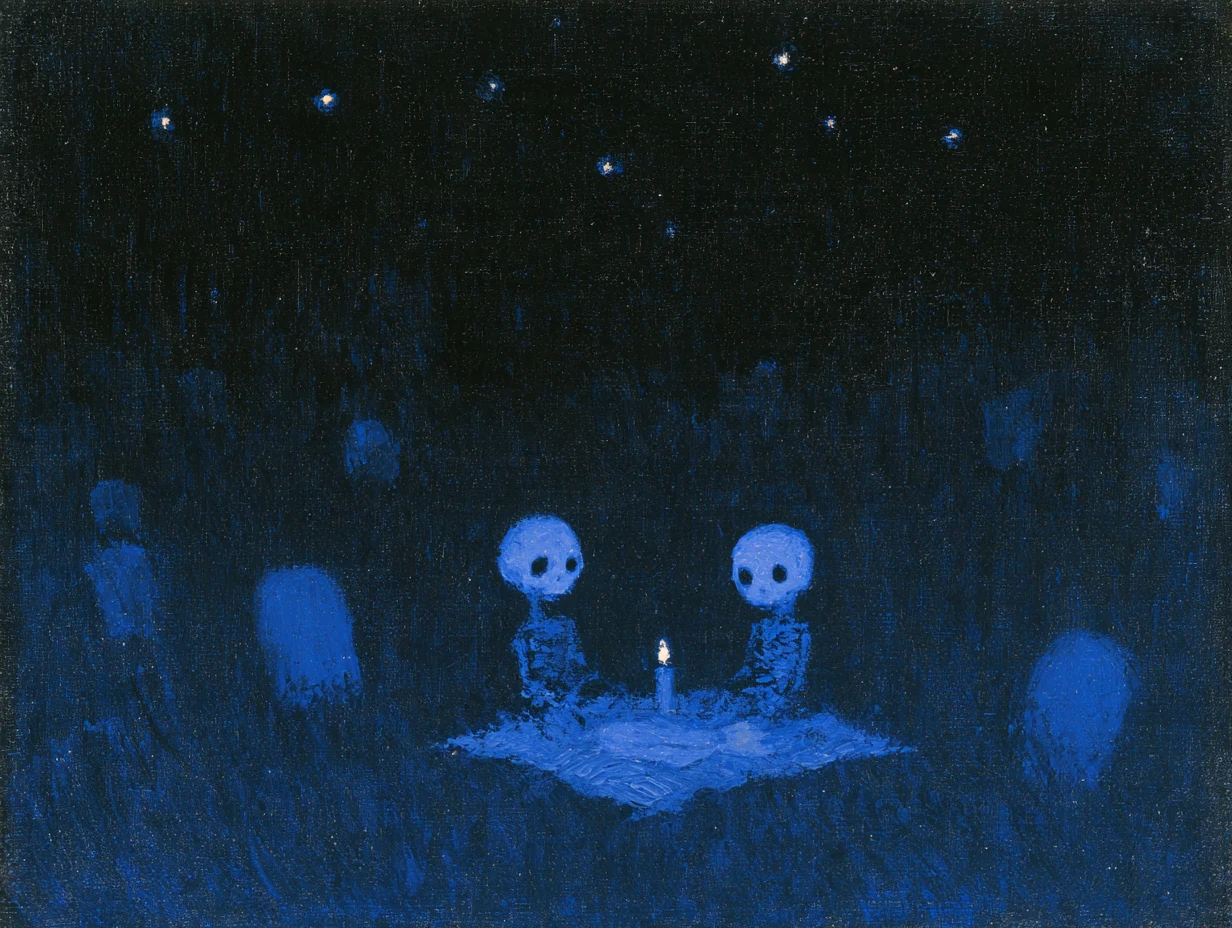
Image examples from Midjourney V8.1 and V8.2
Below are three works by the author from each version. The versions and prompts were read from the files' metadata. Different descriptions and settings were used, so this gallery offers examples rather than showing which model performed the same task better.
Midjourney V8.1
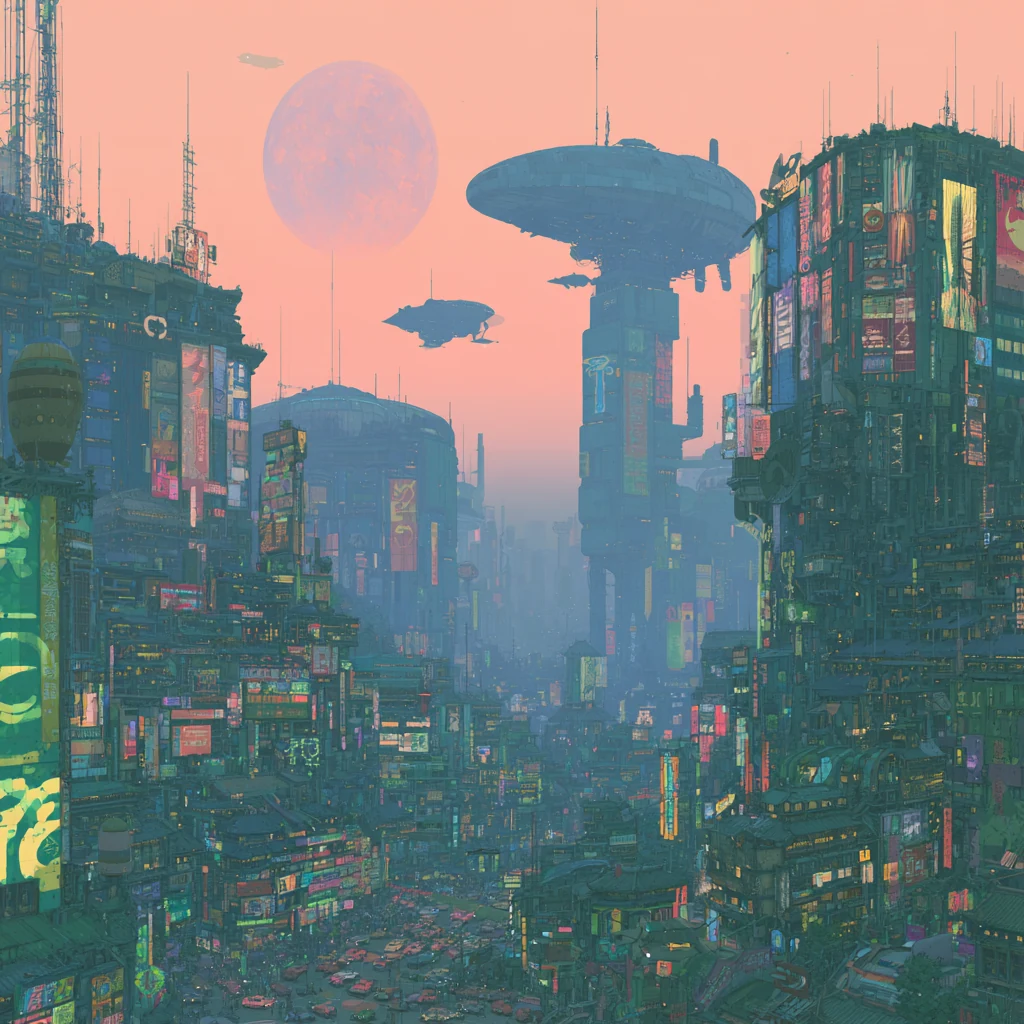
Original prompt and settings
highly detailed landscape of a japanese city, full of neons, futursitic cars and flying machines --chaos 10 --profile b18qb1t --stylize 300 --weird 19 --v 8.1
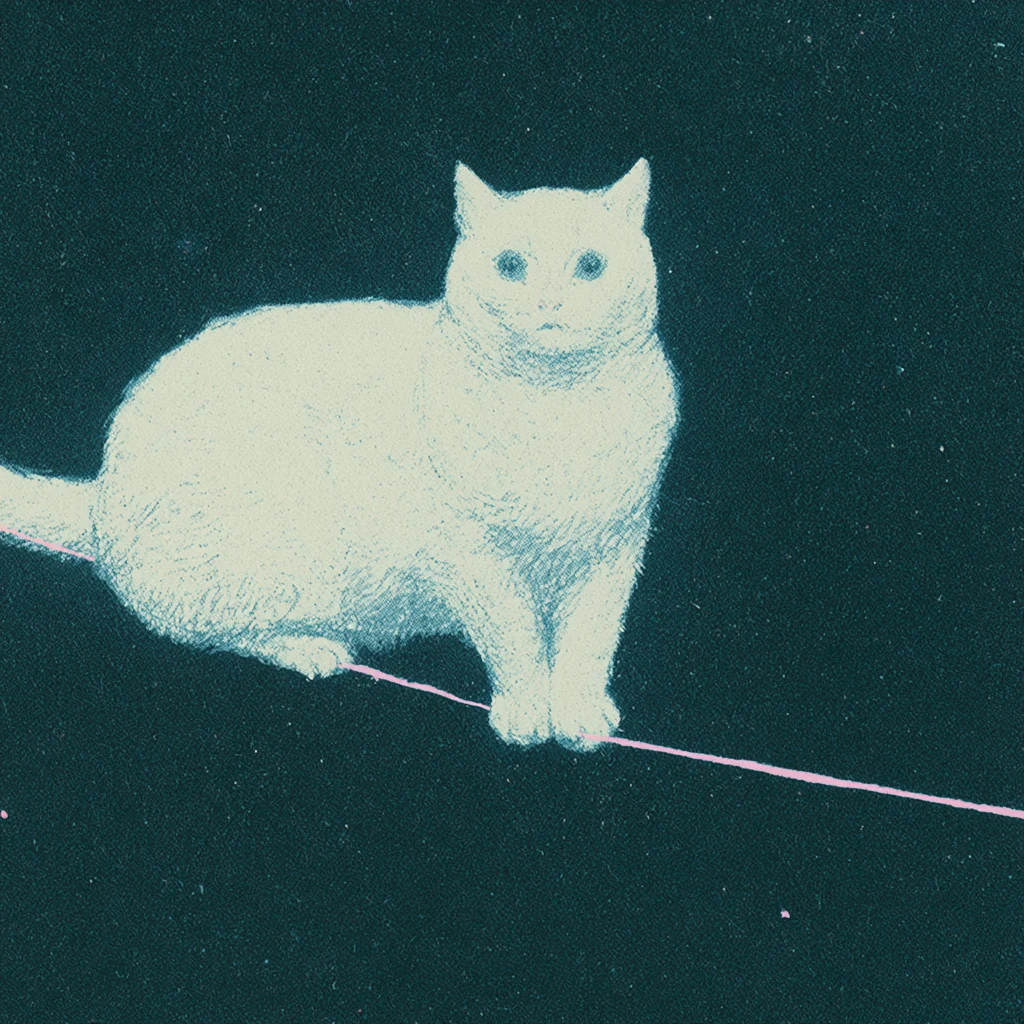
Original prompt and settings
white cat balancing on a single thread in space, only the thread is pink --chaos 10 --profile b18qb1t --stylize 300 --weird 19 --v 8.1
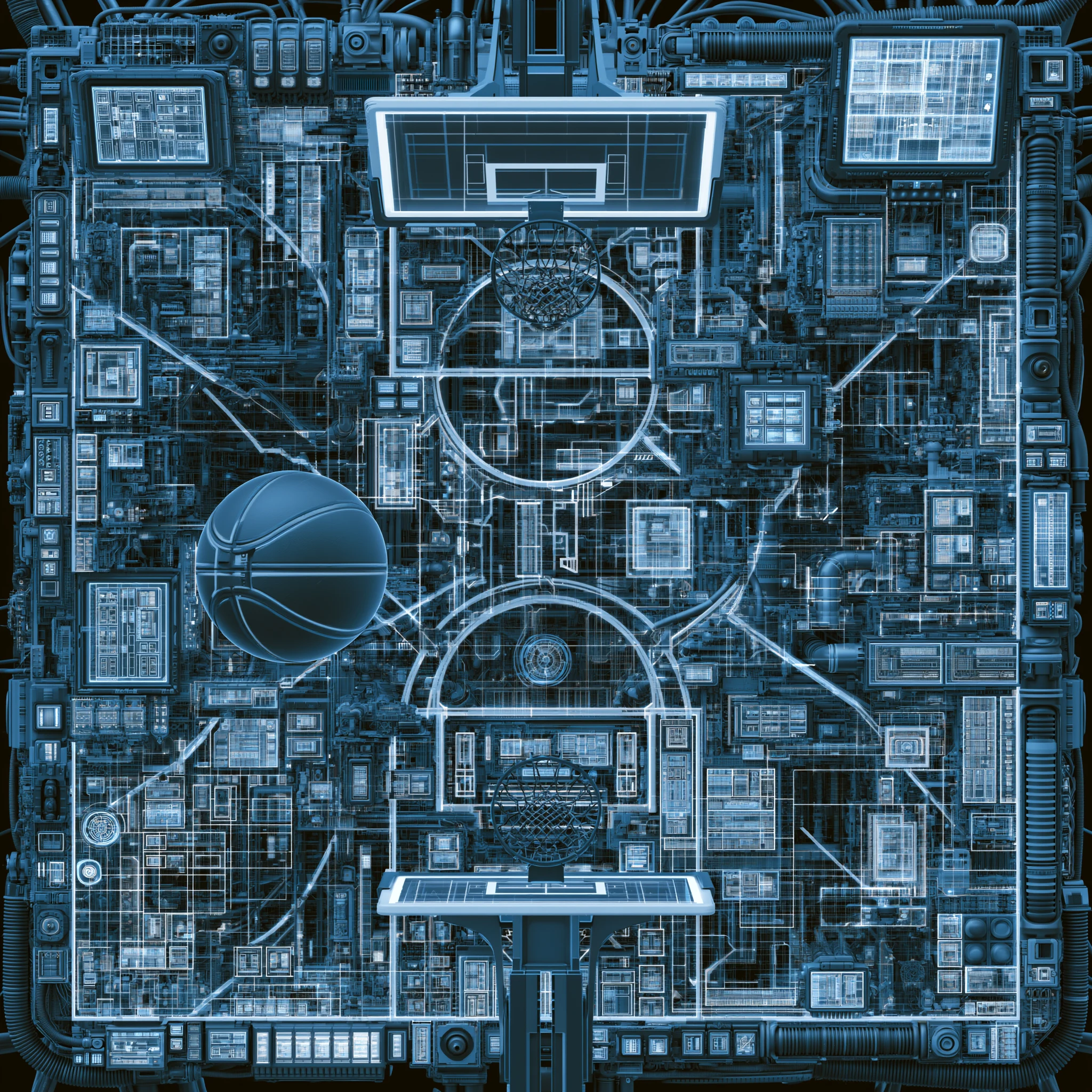
Original prompt and settings
basket pitch - hi tech - blue --chaos 15 --hd --v 8.1
Midjourney V8.2
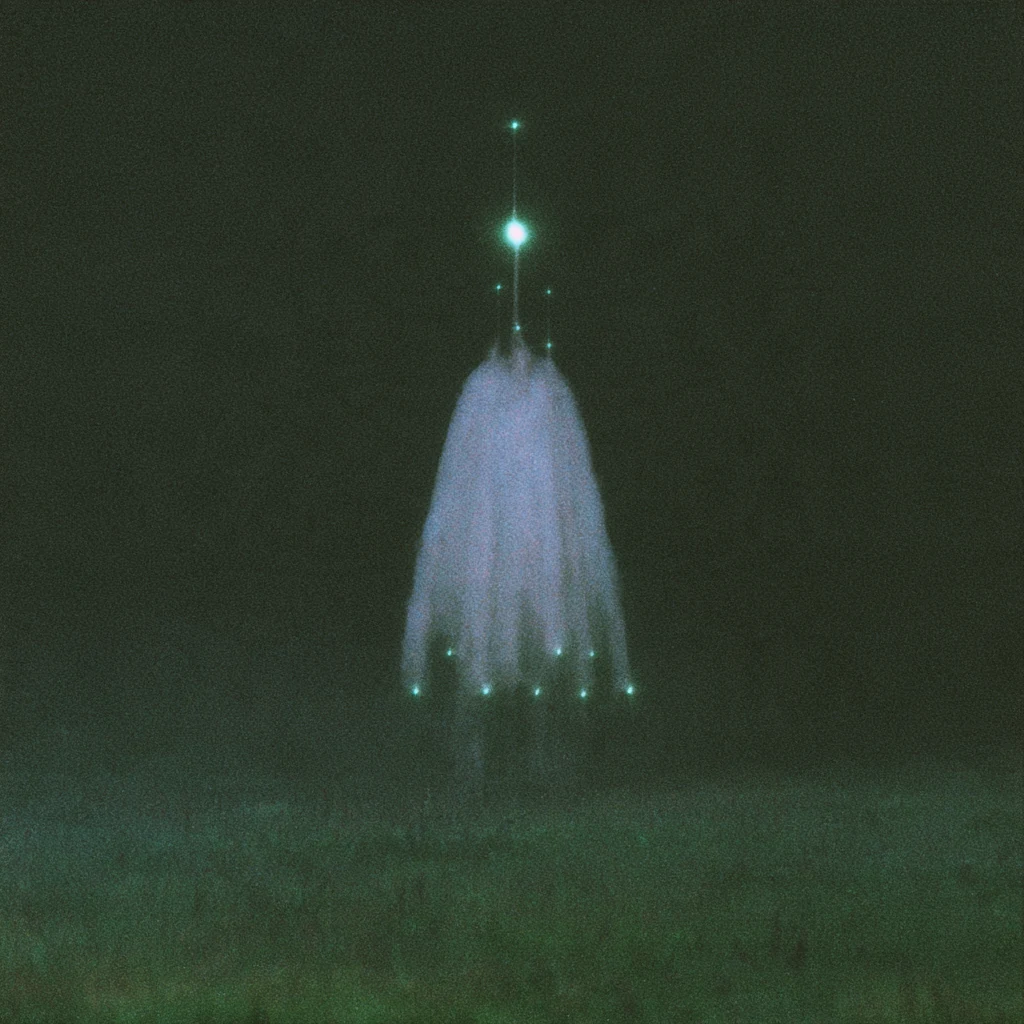
Original prompt and settings
never seen before --chaos 5 --profile za74lz8 --stylize 750 --v 8.2
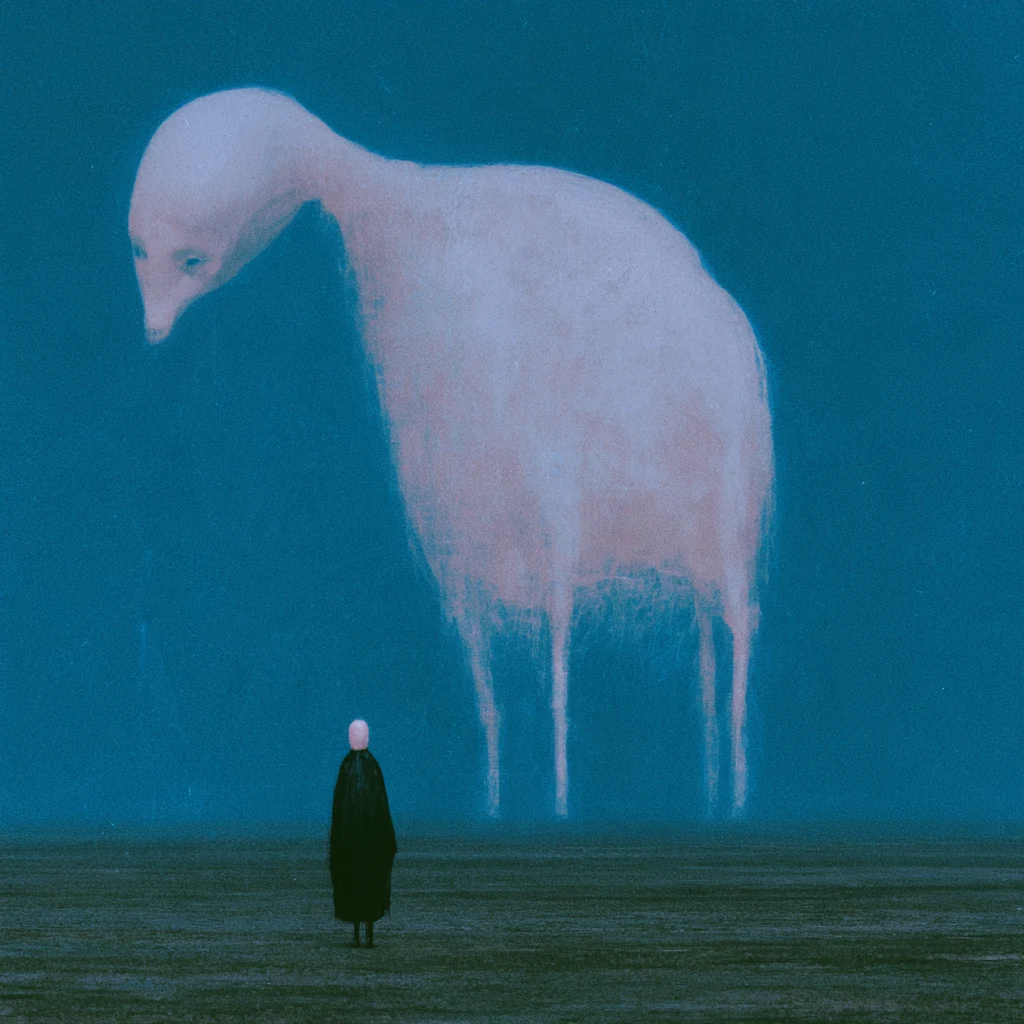
Original prompt and settings
never seen before --chaos 5 --profile za74lz8 --stylize 250 --v 8.2
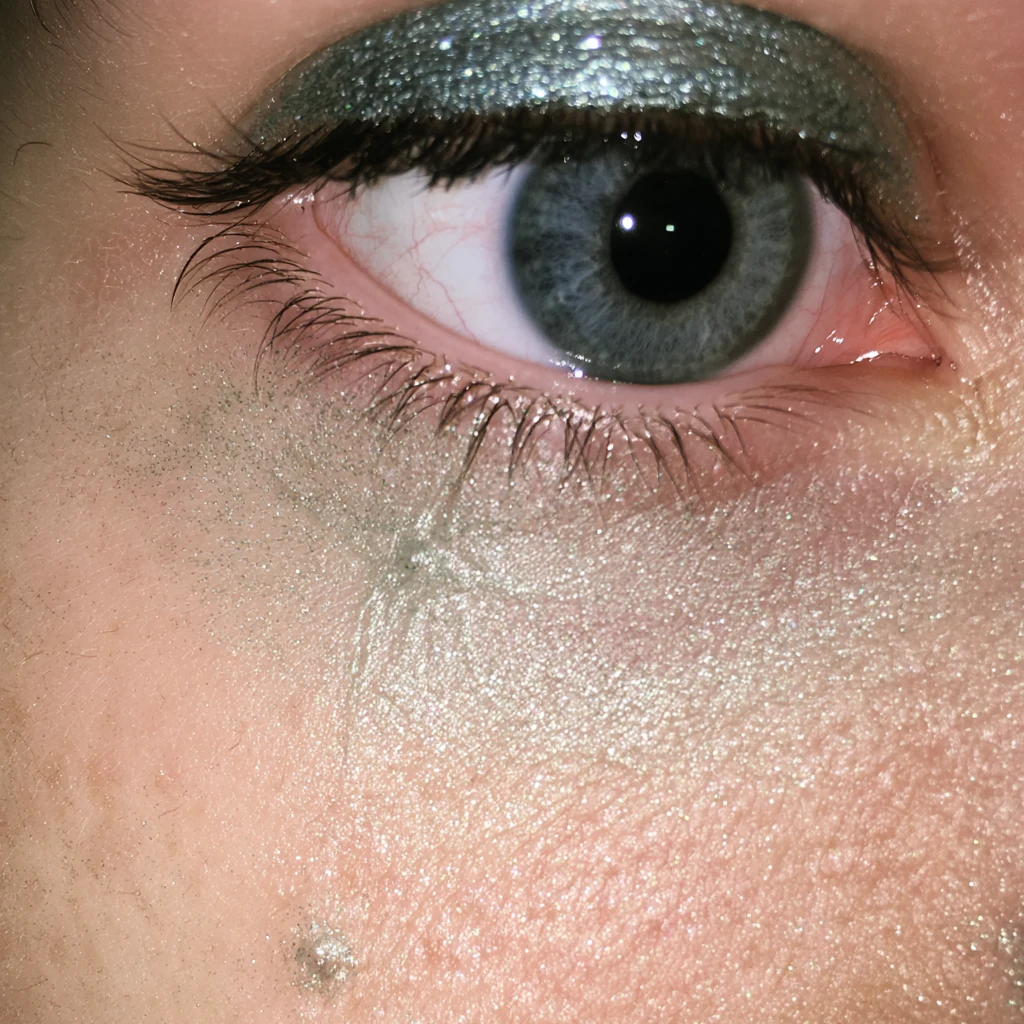
Original prompt and settings
never seen before --chaos 30 --raw --profile wfrjwj2 --stylize 200 --weird 35 --v 8.2
V8.1 example 3 is 2048 × 2048 pixels and uses --hd; the other files are 1024 × 1024 pixels. Resolution is another difference between these images.
Comparisons using the same prompts
To see both versions working from the same description, take a look at Nick Smith's comparison at Run The Prompts. It includes three pairs with prompts: a tiger's eye, a comic illustration and a scene of apartment windows. This is the author's own test from July 2026, and the assessments are subjective.
For a wider selection, see Thaeyne: The Ultimate Midjourney v8.2 vs v8.1 Comparison. According to the video's description, the creator compared 100 prompts using the same seeds and baseline settings. It was published on August 3, 2026.
These materials cover image generation around the V8.2 release. Consult the current documentation for the editor's capabilities.
Editing lets you stay with an image longer
The new Edit Model, opened for testing in August, lets you change existing images through instructions, combine up to four reference images and work on selected areas of a frame. It supports V8.1 and V8.2.[6], [7]
For the creative process, this is a useful possibility: you can spend longer developing a chosen work.
You have a scene where the lighting and space work well, but one object pulls attention away. You can focus on that problem. Try another texture, change the clothing or develop the surroundings.
These are capabilities of the tool; whether a particular change succeeds needs to be judged from the result. The approach is useful in itself, though: instead of repeatedly abandoning images, you begin refining one chosen work.
Your style also shows in what you reject
Images in a series do not need identical palettes or similar faces. They might share an approach to space, a way of treating characters or a recurring tension between the ordinary and the unfamiliar.
After generating, try another exercise: choose three images and explain why they belong to the same world.
If the answer is only “they all look nice”, the direction probably needs more work. If you can identify a rhythm, an atmosphere or a shared principle of composition, you have something to develop.
Midjourney V8.2 offers more ways to work with aesthetics. The interesting part begins when you use them to make your own decisions, including the decision to leave something out.
For settings, HD and the differences between versions, read Midjourney V8.1 and V8.2: what changed and how to work with the new versions. If you want to develop the direction of your own series, you can book a consultation. Before leaving the gallery, notice which images you still remember after closing it, and what made them stay with you.
Three useful terms
- Personalization
- Adapting the aesthetics of generated images to preferences saved in the user's profile. The profile develops through selections and likes, and can be applied with
--p.[4] - Stylization
- The freedom with which the model interprets a description aesthetically. The
--stylizeparameter accepts values from 0 to 1000, with a default of 100.[5] - Style Reference
- An image used to guide colour, texture, medium or lighting. It helps carry aesthetic qualities into a new work rather than copying its people or objects. On Discord, use
--srefwith an image URL.[8]
Sources
Release dates and feature descriptions come from official Midjourney sources. External comparisons are tests by the named authors. The discussion of style, selection and working on a series is the author's commentary.
- Midjourney: V8.1 Alpha — April 14, 2026.
- Midjourney: Version 8.2 — July 24, 2026.
- Midjourney documentation: Version — releases and feature compatibility.
- Midjourney documentation: Personalization.
- Midjourney documentation: Stylize.
- Midjourney: Edit Model for V8 — August 27, 2026.
- Midjourney documentation: Edit Model.
- Midjourney documentation: Style Reference.
- Nick Smith, Run The Prompts: Midjourney V8.2 Is Here. What’s New and Is It Better Than V8.1? — July 29, 2026, updated July 30, 2026. Author test with three image pairs.
- Thaeyne: The Ultimate Midjourney v8.2 vs v8.1 Comparison — August 3, 2026. Comparison video; methodology as described by its creator.